
heat abnormal: would it hurt to see you one more time?
A downloadable visual novel
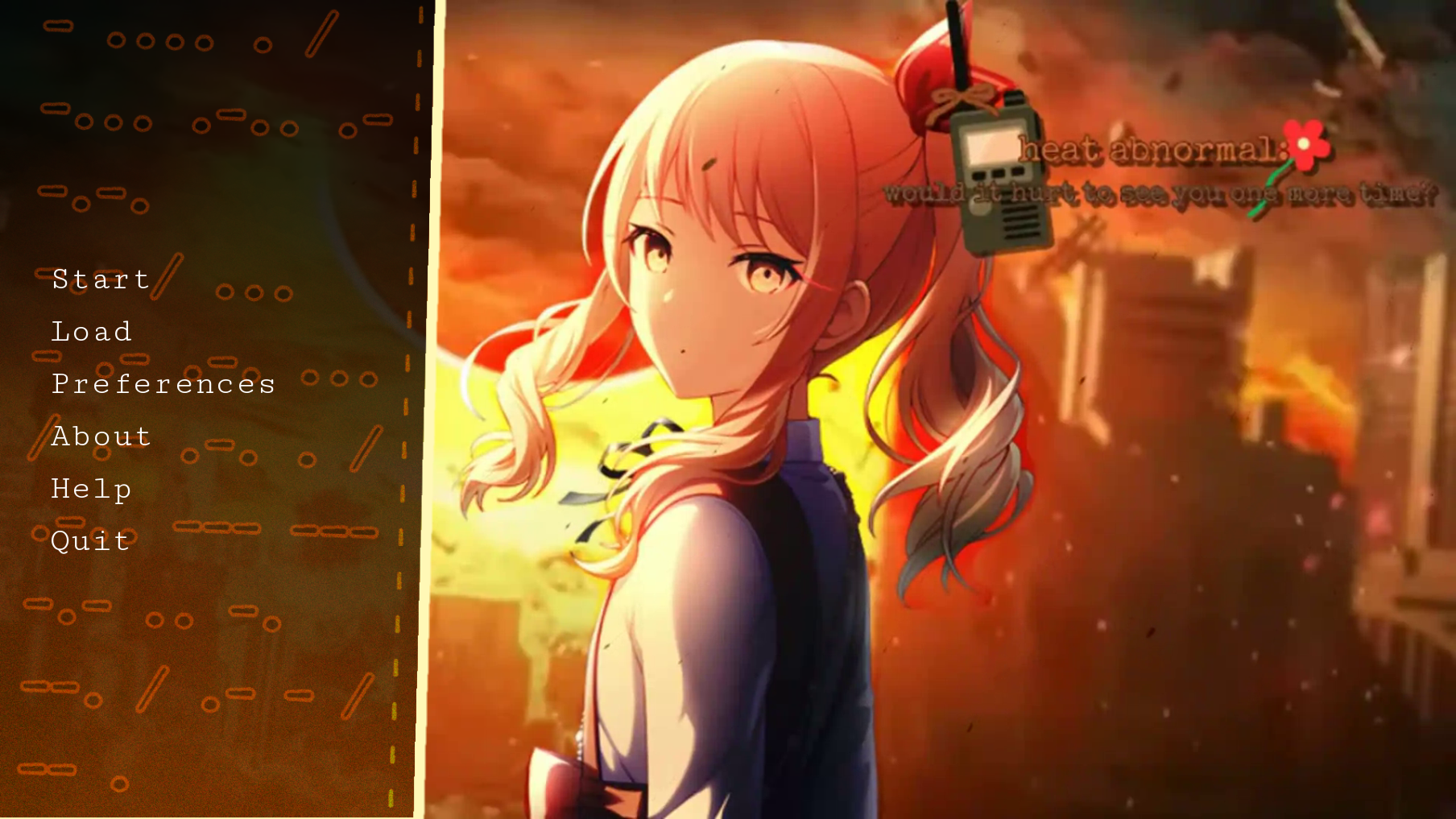
heat abnormal: would it hurt to see you one more time? (熱異常:もう一度あなたに会うのは辛いでしょうか?), often abbreviated as Abnormal, is a Project SEKAI web-series. As of now, the creator of the game is looking for writers, artists, and others. This series does not take place in the original universe and though everyone is still in their respective unit.
Story:
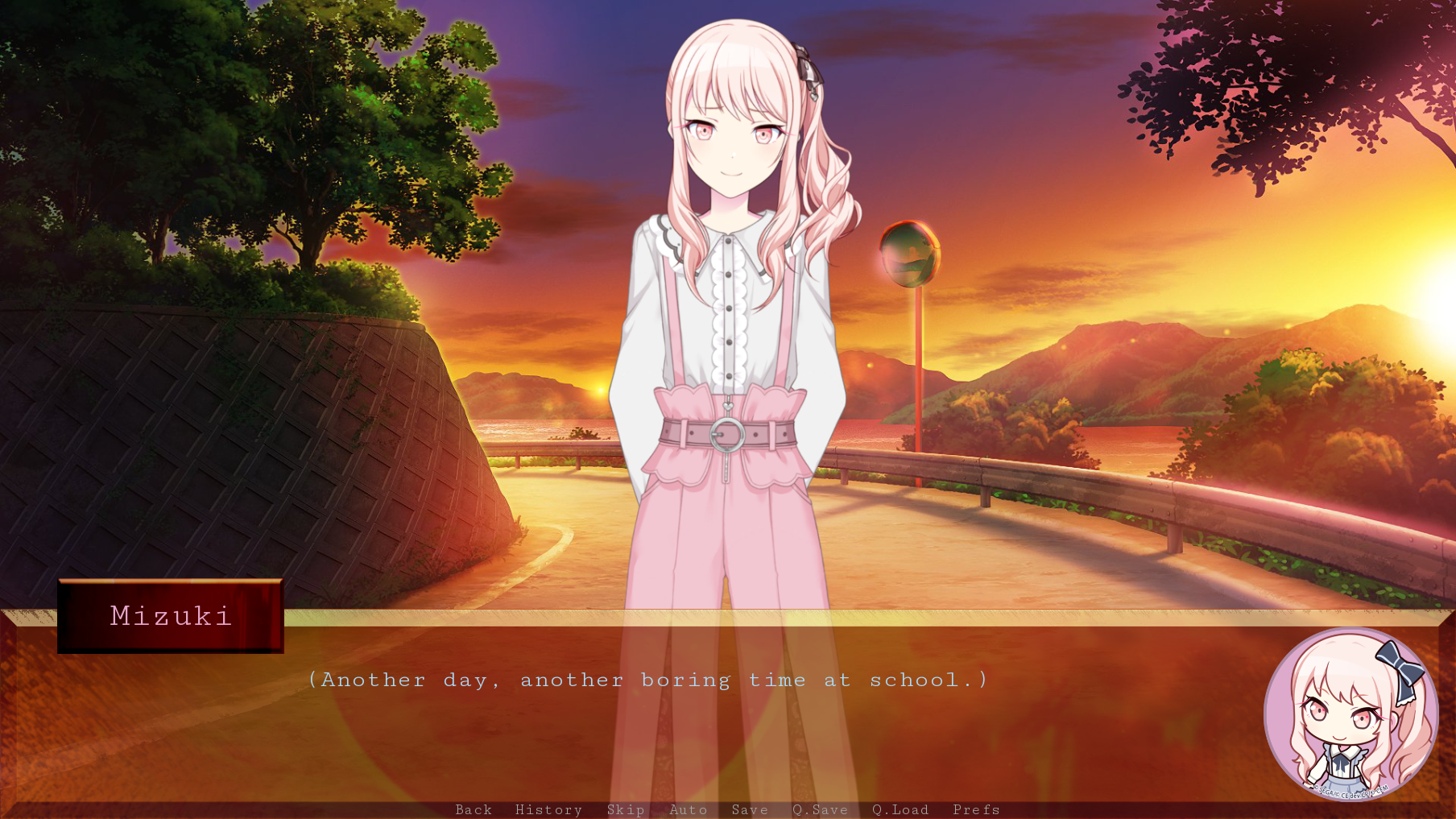
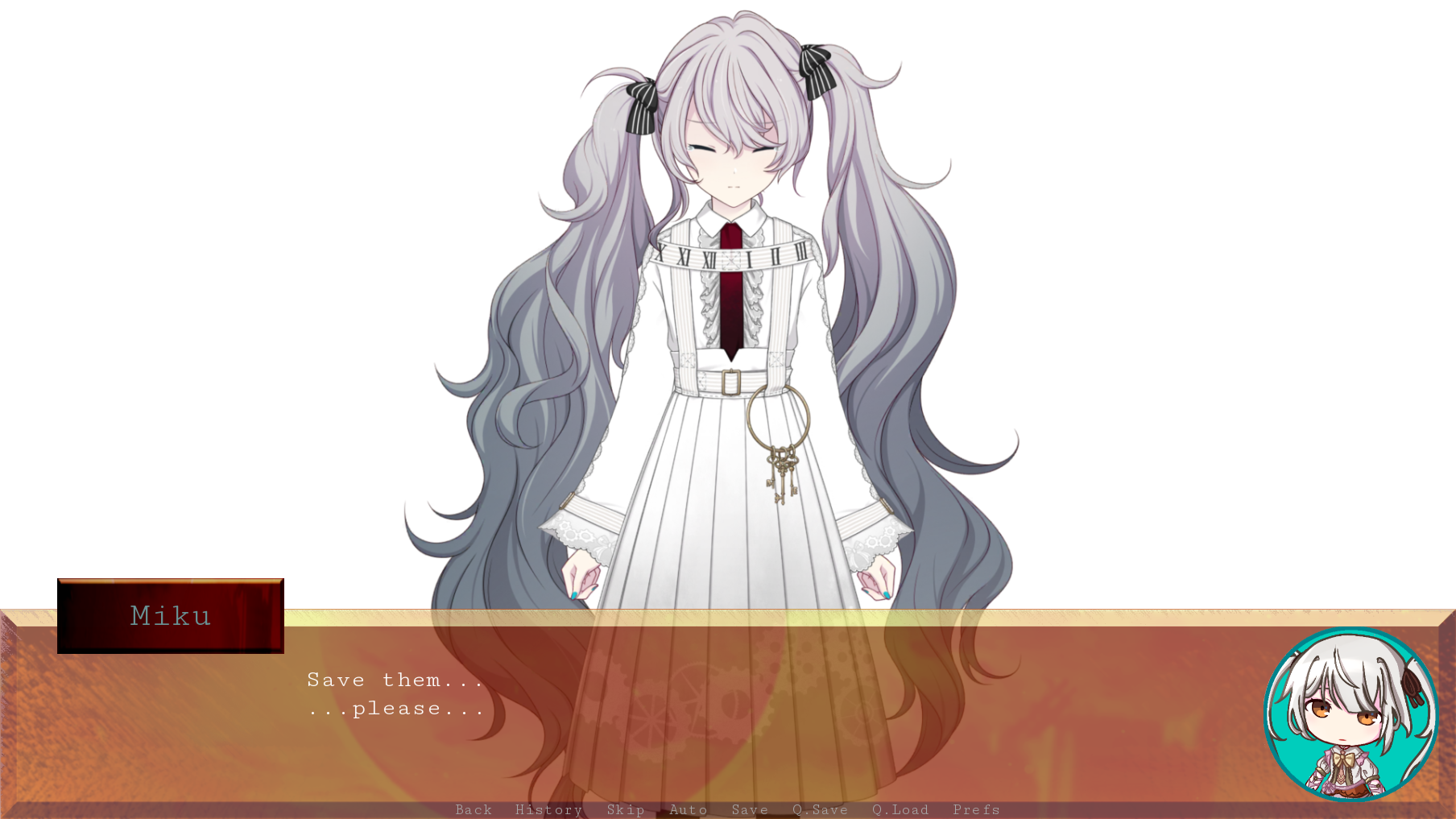
After walking home from another long and horrible day of school. Mizuki accidently drops their phone down the drain. Mizuki sighs, it's just another day of bad luck. But as they try to salvage their phone. They hear something whisper in their ear, after that they blackout. Waking up somewhere empty, just white. Suddenly, Mizuki feels a cold touch on her hands after wandering around looking for help. It was Miku, before Mizuki could say or do anything. Miku said these words.
"Save them..."
Now Mizuki is stuck in a SEKAI with the rest of the cast with no way of getting out. Well... the only way is to stop the SEKAI from ending for good.
Latest Update: 1.0
- The Opening: "Beginnings and Ends are Quite Similar, No?"
Notes
- Autosaves exist, but it's recommended you save manually.
- Please turn your audio on. It's so much better please
- All music is from different games, I may get a composer later but for now please support the original games where the music comes from! If the original games wants their songs removed then that's fine with me.
- This game is story-focused, if you have goldfish attention span then maybe don't play haha
- Mobile support hopefully coming in 1.1
Download
Install instructions
Windows
- Download the files needed (pc.zip)
- Unzip the files (right click and choose Extract All)
- Open the unzipped folder
- Double-click the .exe to start the game!
- If the Windows SmartScreen pops up, click More info -> Run anyway
macOS
- Download the files needed (mac.zip)
- Open the .zip file (it will extract automatically)
- Open the unzipped folder
- Double-click the app to start the game!
- If macOS blocks it, go to System Settings -> Privacy and Security, scroll down and click Open Anyway
Linus
- Download the files needed (pc.zip I believe??)
- Extract the .zip file
- Open the unzipped folder
- Right-click the game file, click Properties and then click Allow executing as program
- Double-click the file
(I apologise if the macOS and Linus instructions are wrong, I've never had either of them so I'm copying from a video.)
Leave a comment
Log in with itch.io to leave a comment.